
How to Use Headphones in GTA 6 for Music and Podcasts
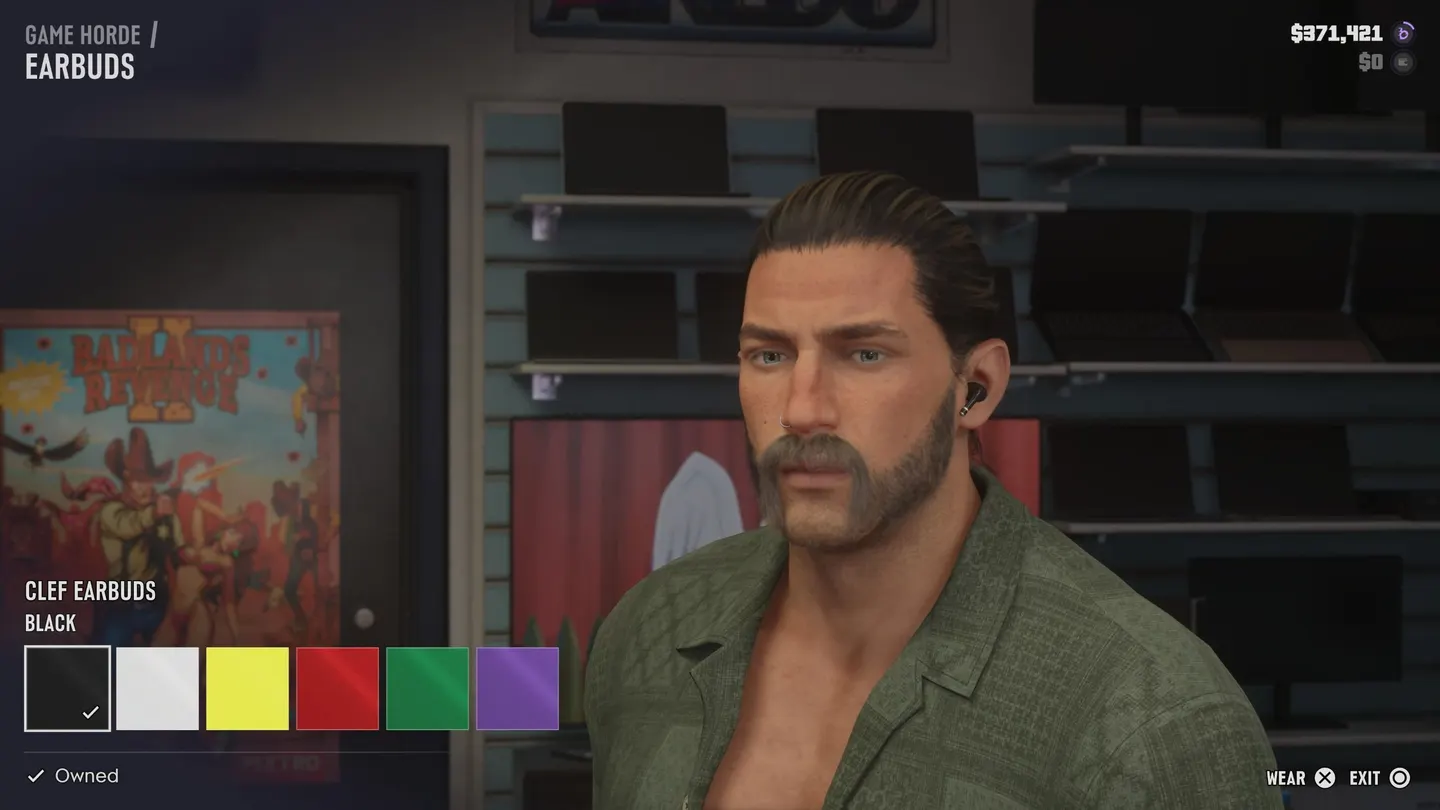
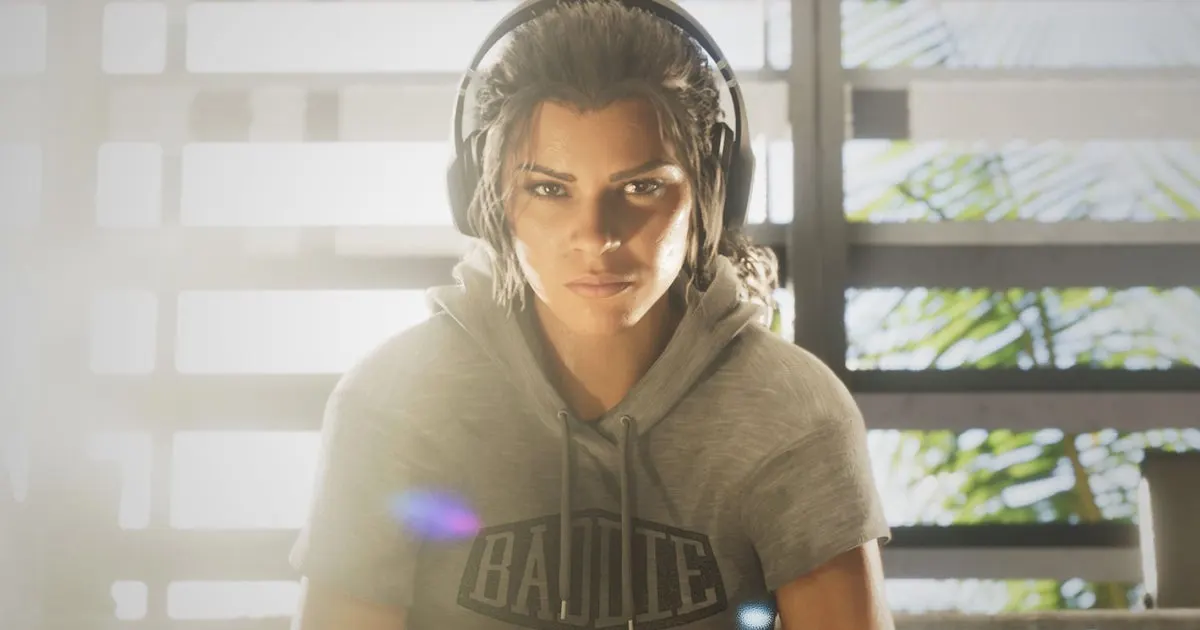
GTA 6 lets you listen to radio stations on foot by wearing headphones or earbuds connected to your smartphone. According to reports, it also adds on-demand podcasts for the first time in the series. Rockstar reportedly announced both features while detailing six radio stations.
Details #
Getting and equipping headphones
- Buying headphones lets you listen to radio and podcasts outside a vehicle.
- You can listen to music outside of vehicles for the first time, as long as you have bought and equipped headgear.
- To find headphones, open the Style tab and select ‘Electronics’. It lists shops selling them, ordered by distance from you.
- According to reports, headphones and earbuds start at upwards of $100 for a basic set, with pricier models depending on the store.
- Jason and Lucia each need to buy their own headphones, according to reports.
- To equip them, hold L1/LB to open the loadout and press R1/RB to go to the items tab . Then select the second slot (headgear) with the right thumbstick and press X.
- Reportedly, if cops or civilians attack you while you wear headphones, they can be knocked off. You must pick them up again or they are lost permanently.
Radio controls
- According to reports, hold Left on the D-pad to open the radio controls while driving a car.
- The same hold reportedly opens the controls for radios in the world, bikes, boats and planes.
- While holding it, scroll through stations with L1/LB and R1/RB, or with the right thumbstick.
- To pick a station, choose it and release the D-pad button.
- Pressing X/A in the radio menu turns the radio off completely.
Podcast controls
- To reach On Demand programming such as podcasts, hold Left on the D-pad and push the right thumbstick Down.
- In the podcast menu, press Square/X on a podcast to scroll between episodes. Press X/A to play one.
- In the on-demand section you can pause a podcast. When you return, on foot or in a vehicle, playback resumes where you left off.
Stations announced so far
- Cocoteo FM: a Latin music station hosted by Bad Bunny and RaiNao, known in-game as El Martillo and La Gata.
- Back Country Radio : a country music station hosted by Lana Del Rey, Morgan Wallen and Jeremy Dufrene.
- AfroBank FM: an African music station hosted by Burna Boy and DJ Palms Trax, called Burna and Palmsy in-game.
- The Chamber 106.6: a metal station hosted by Kerry King and Tom Araya, called DJ Kerry and DJ Tom in-game.
- Flash FM: a pop station hosted by Robyn and Alex Consani.
- Dirty South Classics: a rap and hip-hop station hosted by Trina and Trick Daddy.
What it means for players #
This is the first time in the GTA series that radio can be heard outside a vehicle through headphones. Both radio and podcasts can be played in vehicles and on foot, through the new headphones and earbuds linked to the characters’ smartphones.
Rockstar says the podcasts are meant for Jason and Lucia to enjoy beyond Leonida’s terrestrial radio.
If you buy a pair, be careful in fights: if they are knocked off and you don’t pick them up again, they are lost permanently.
Images
Video
Was this page helpful?
Sources
- How to change radio stations and listen to podcasts in GTA 6 — GamesRadar+
- For the first time in the GTA series, you can use headphones to listen to podcasts and music any time you like in Grand Theft Auto 6 — Eurogamer.net
Facts on this page are checked against these sources. Updated: Nov 19, 2026.
Cite this page
Writing about GTA 6? Use this reference.
                  "How to Use Headphones in GTA 6 for Music and Podcasts." GTA6pedia, updated Nov 19, 2026.
                  https://gta6pedia.net/guides/gta-6-headphones-music-podcasts/
                  <a href="https://gta6pedia.net/guides/gta-6-headphones-music-podcasts/">How to Use Headphones in GTA 6 for Music and
                  Podcasts</a> (GTA6pedia)
Related guides

GTA 6 Laptop Password and Auntie's Place in La Perle
Vanessa's laptop password in GTA 6 Chapter 3: pick Muffins, queen and 15, then find Auntie's Place in La Perle for the garage code 92665.

Every GTA 6 Ending and How to Get Them
GTA 6 endings explained: shoot Mendez or take his deal, then the bridge choices, Family Savings and Criminal Profile that decide how Jason and Lucia end up.

GTA 6: Secret Controls and Gameplay Features You Missed
GTA 6 controls you may have missed: the door swing, first-person look, vehicle shortcuts, Focus Mode and quick travel options.

Can You Free-Roam After Beating GTA 6?
Yes, you can free-roam in GTA 6 after the story. You return to a pre-finale auto-save, can replay the finale and chase 100% completion.