
GTA 6 Weapon Wheel: Controls, Slots and Loadout
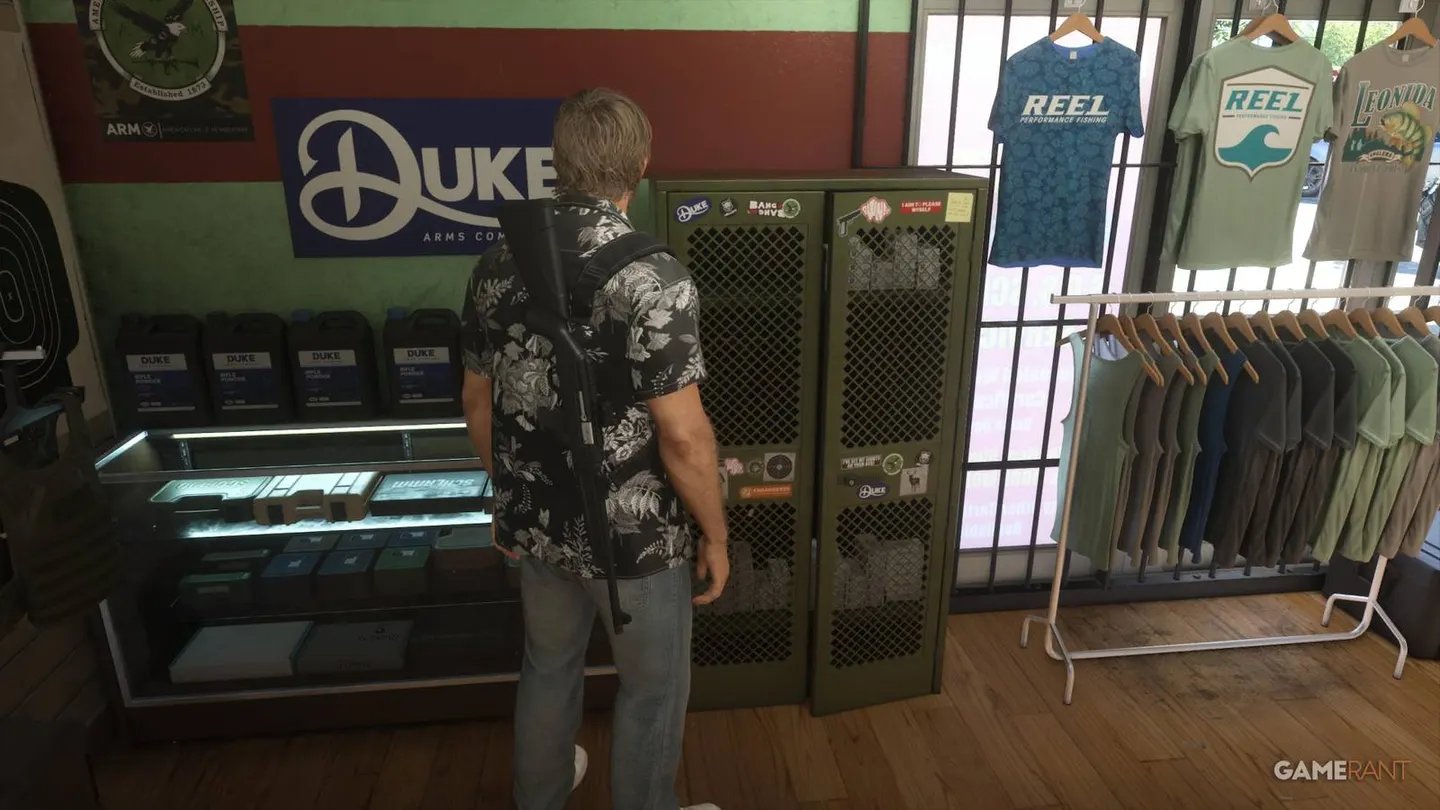
According to reports, you open the GTA 6 weapon wheel by pressing L1 on PlayStation or LB on Xbox. The wheel has slots for 2 sidearms and 2 long guns.
How to use the weapon wheel #
- Press L1 (PlayStation) or LB (Xbox) to open the wheel.
- Check your current loadout, which is what the wheel shows when it opens.
- Look for your sidearms in the two slots at the top and slightly right of the wheel.
- Look for your longarms in the bottom slot and the left slot.
- To drop a weapon, press Circle/B while the wheel is open.
Equipment such as binoculars and a flashlight can also be carried on the weapon wheel.
How to edit your loadout #
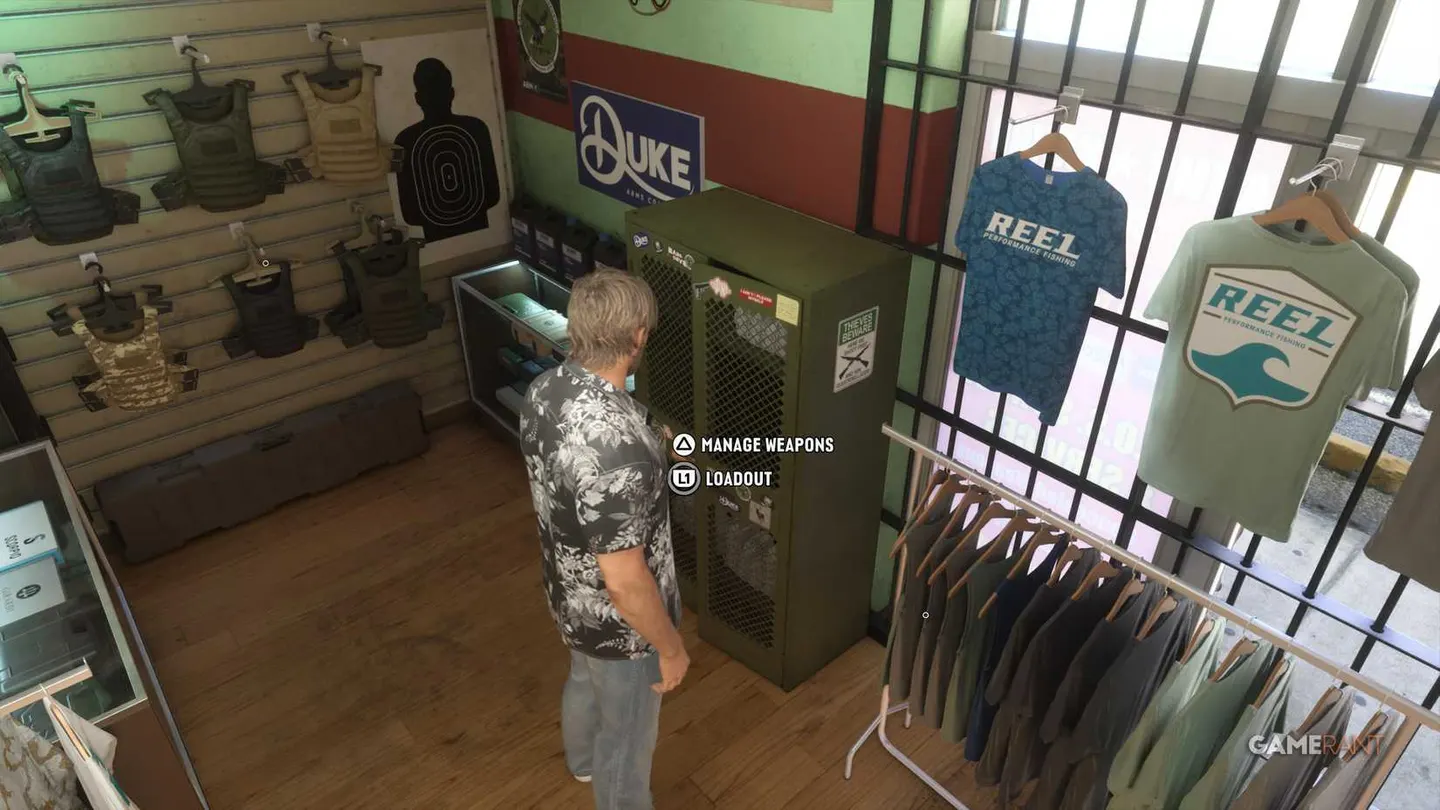
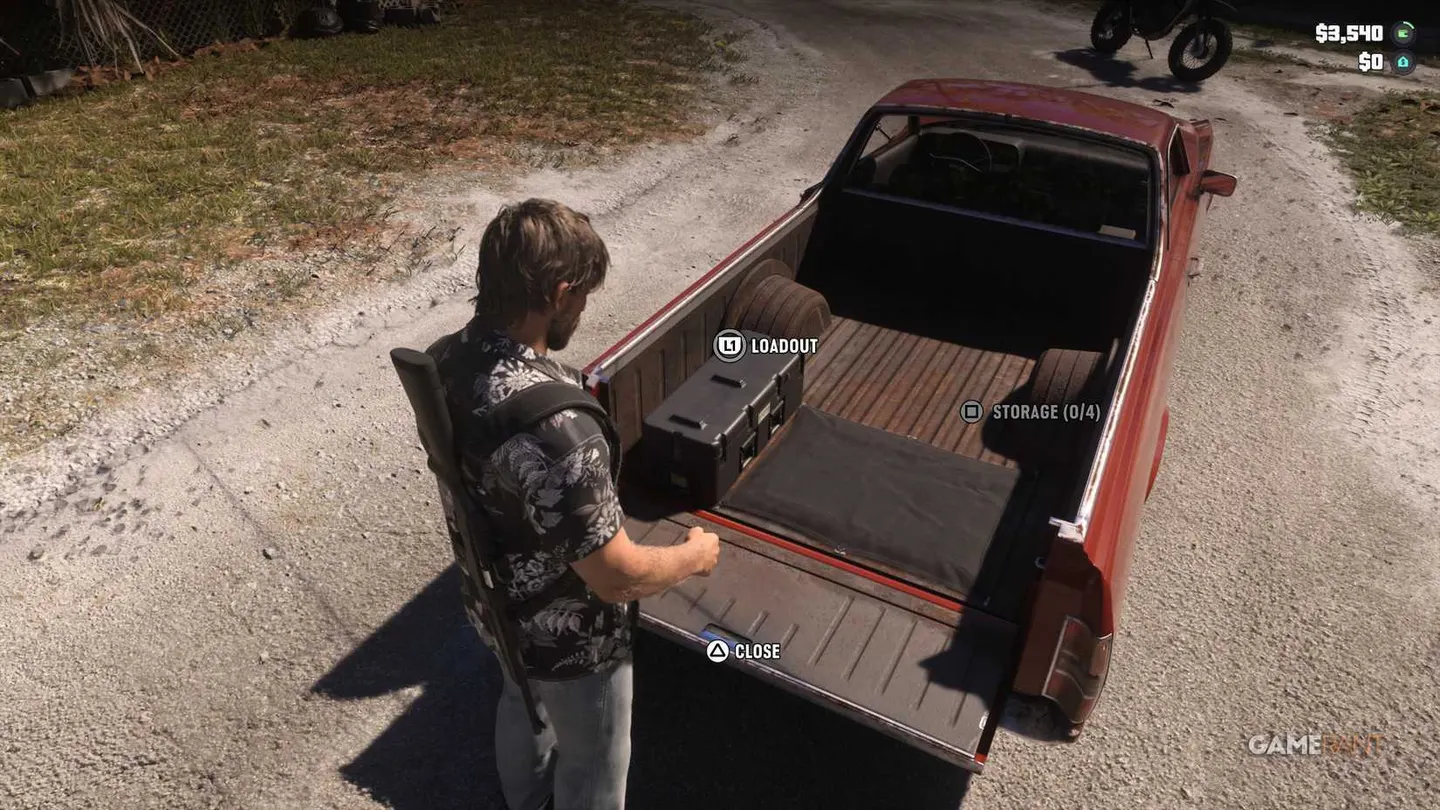
- You can edit a loadout with a locker in an in-game shop, or by interacting with your vehicle’s trunk.
- At the Weapon Locker in an Ammu-Nation, Square/X adds or removes weapons from the vehicle’s trunk, and X/A equips them.
- Weapons stored in the trunk can be accessed through your personal vehicle .
- Any weapon that is not in your current loadout is returned to the Weapon Locker.
- Some Ammu-Nation stores have a Weapons Locker, shown on the map with a locker and pistol icon.
Carrying limits and NPC reactions #
Only 2 sidearms and 1 long gun can be carried safely holstered. A second long gun has to be held in your hand, which causes tense reactions from NPCs and police.
NPCs who see a drawn gun may flee, or they may become aggressive and show their own weapons.
Weapon wheel vs. item wheel #
Here is how the item wheel differs from the weapon wheel:
- You open it by pressing L1/LB and then R1/RB.
- Unlike the weapon wheel, it shows every item you are carrying, including accessories and gear.
- Pressing X/A on it toggles cosmetic items on or off.
Getting and keeping weapons #
- Weapons are bought at Ammu-Nation gun stores, which are found all over Leonida.
- The first Ammu-Nation you will meet is in Key Lento.
- To buy a weapon, talk to the gun clerk inside and make sure you have enough cash.
- A purchased weapon is owned permanently.
- A weapon you drop or lose by dying can be recovered from Weapon Lockers or from your vehicle stash.
- Ammu-Nation stores sell 52 weapons in total, and the selection varies across its 26 locations or franchises.
Good to know #
- Weapons fall into three categories: guns, melee weapons and explosives.
- Guns are split into sidearms and longarms, which are then divided into 10 classes.
- There are 16 sidearms and 37 longarms in total.
- There are nine types of melee weapons, from baseball bats to switchblades and brass knuckles.
- Four types of explosive weapons can be unlocked.
- Weapons can be customized with cosmetic paints and with attachments such as Grips, Magazines, Suppressors, Muzzles and Optics, and attachments change weapon stats.
- There are twelve types of attachments that can be equipped on guns.
- Customizing is only done by talking to staff at an Ammu-Nation, and only for weapons you already own.
- Purchased attachments and cosmetics can be switched or removed at any Ammu-Nation for free.
- Unique Variant Weapons cannot be modified or cosmetically customized.
- Once you collect a Unique Variant Weapon, it is automatically unlocked for both Jason and Lucia.
- Unique Variant Weapons have their names shown in yellow in menus such as the Loadout or Weapons Locker.
Images
Was this page helpful?
Sources
- Weapon System in GTA 6, Explained — GameRant
- GTA: Inventory & Weapon Wheel Explained - All Tips — Gfinity Esports
- Weapons - GTA 6 Guide - IGN — IGN
Facts on this page are checked against these sources. Updated: Nov 22, 2026.
Cite this page
Writing about GTA 6? Use this reference.
                  "GTA 6 Weapon Wheel: Controls, Slots and Loadout." GTA6pedia, updated Nov 22, 2026.
                  https://gta6pedia.net/weapons/gta-6-weapon-wheel-guide/
                  <a href="https://gta6pedia.net/weapons/gta-6-weapon-wheel-guide/">GTA 6 Weapon Wheel: Controls, Slots and Loadout</a>
                  (GTA6pedia)
Related guides

How to Unlock the Dye-Pack Jammer in GTA 6
Finish the Chapter 3 mission Credit Check to unlock the Dye-Pack Jammer in GTA 6 and steal Marked Bills from banks and payday loan stores, reports say.

GTA 6 Equipment: All 12 Items and How to Unlock Them
GTA 6 has 12 pieces of Equipment, all unlocked automatically through the story. See what each item does and how you get it.

GTA 6 Weapons: Categories, Carry Limits and Ammu-Nation
GTA 6 weapons guide: 205 listed weapons, three categories, carry limits, Ammu-Nation's 52 purchasable weapons and Unique Variant Weapons.

GTA 6 Ammu-Nation: How to Store and Recover Guns
Learn how to store, manage and recover guns at GTA 6 Ammu-Nation weapons lockers, load your trunk and find stores with a locker on the map.