
How to Manage Your Loadout in GTA 6
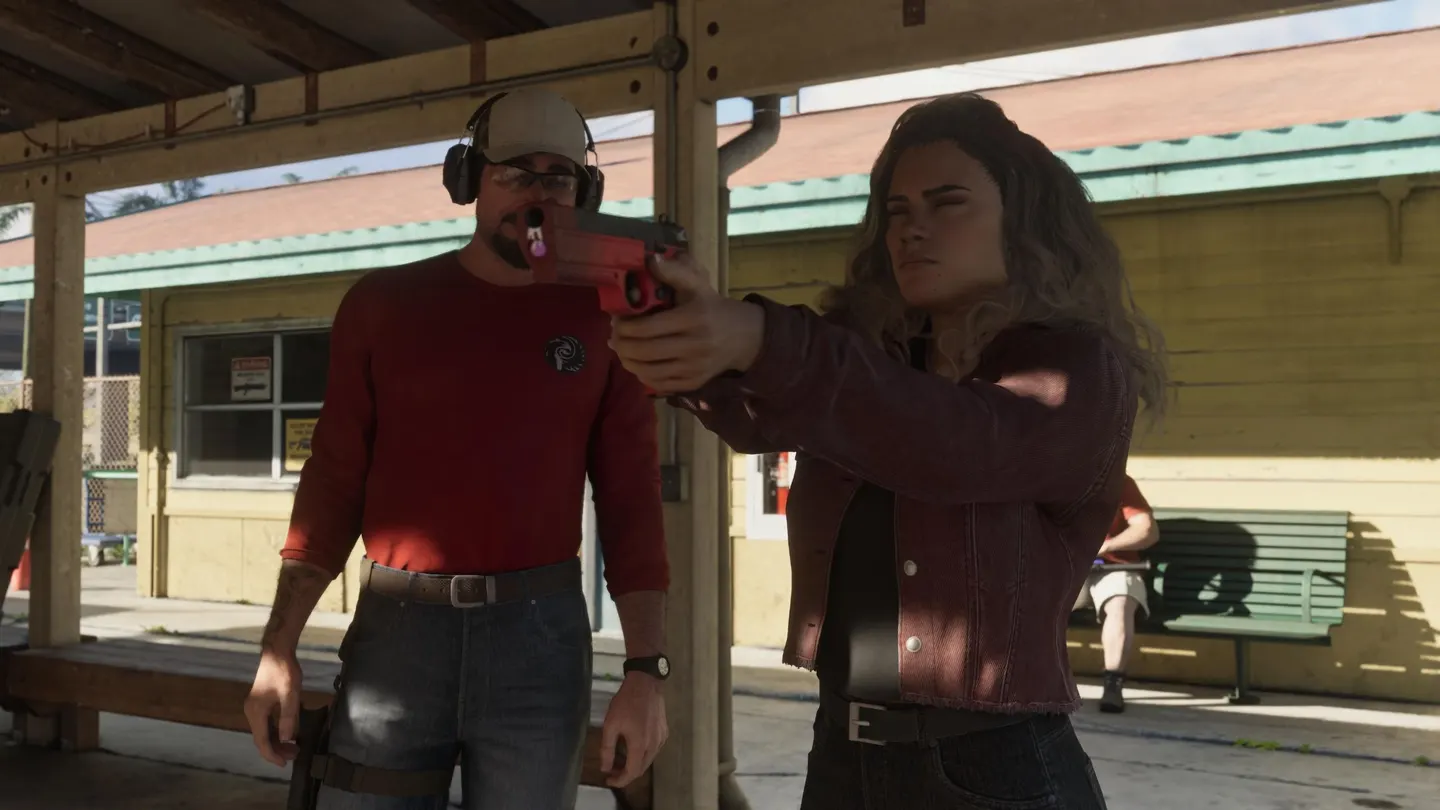
GTA 6 limits how many weapons you can carry at once, which earlier Grand Theft Auto games did not. You can open your loadout by holding L1/LB. Your Personal Vehicle’s trunk and Ammu-Nation weapons lockers also let you manage weapons.
Details #
Opening and using the menu
- Hold L1/LB to open your loadout, whether you are on foot or in a vehicle, according to reports.
- The menu has two tabs, Weapons and Items, and you switch between them with R1/RB.
- To equip something, hover over a slot with the right thumbstick and press X/A.
Weapons tab slots
According to reports, the Weapons tab has slots for:
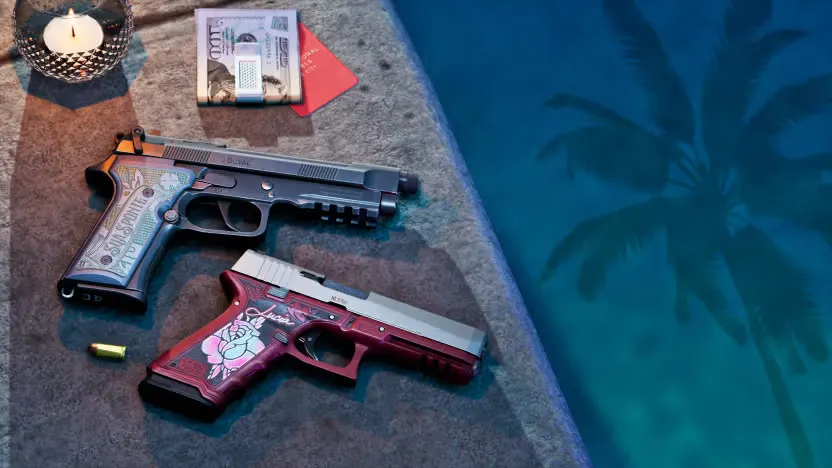
- Two sidearms
- One for hands
- One for equipment
- Two longarms
- One melee weapon
- One for explosives
Items tab slots
The Items tab reportedly has one slot each for Masks , Headgear, Headwear, Outfits, Bags, Gear, Eyewear and Smokes.
Trunk and weapons lockers
- Press Triangle/Y to open the trunk of your Personal Vehicle, then hold L1/LB when prompted to open the loadout, according to reports.
- In the trunk loadout, move between slots with the thumbstick and cycle through available weapons and items with left and right on the D-Pad.
- The trunk loadout lets you swap items stored in the trunk and equip owned sidearms and longarms kept there.
- Every Ammu-Nation location reportedly has a weapons locker for managing your owned weapons.
- You can use that locker to transfer weapons to your personal vehicle’s trunk.
What you can physically carry
In GTA 5, a player can carry nearly all owned weapons and their ammunition at once, but GTA 6 does not work this way. A recent hands-on preview says characters have much less physical inventory space, so carried weapons have to make physical sense.
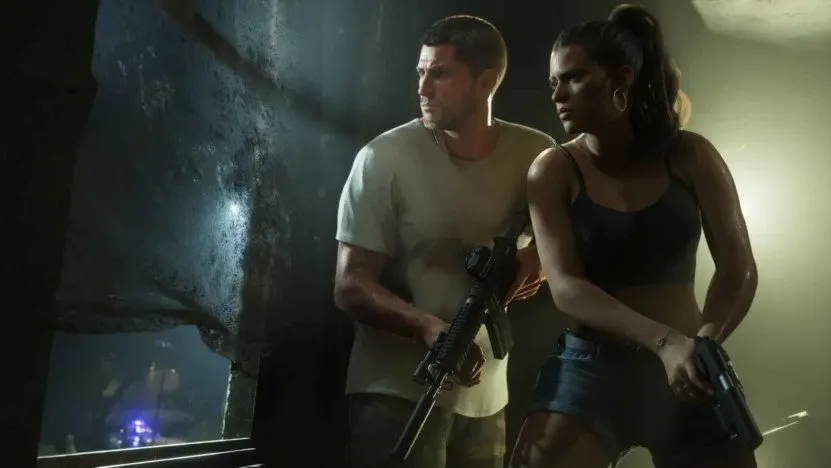
According to that preview, Jason and Lucia can physically carry two concealed handguns and two long guns. Only one long gun can be carried on the back. A second long gun cannot be slung and must be visibly held in the other hand.
Rockstar appears to separate the weapons a player owns from the weapons the character is physically carrying. Long guns can be stored in a vehicle’s trunk and in other hiding places. Players can use their vehicle to store extra weapons instead of carrying their whole arsenal.
Rockstar has not fully explained the storage capacity and rules for each type of vehicle.
What it means for players #
Plan your loadout before you head out, and keep spare weapons in your vehicle.
Keep NPC reactions in mind too. Rockstar North boss Rob Nelson said NPC behavior is more sophisticated in GTA 6. According to him, civilians may not necessarily panic if a long gun is just hanging on your back, but may react and move away if you hold it in your hands.
The GTA 6 Extended Look also showed Jason picking up an enemy’s weapon during a firefight.
Images
Was this page helpful?
Sources
- How to change and manage your loadout in GTA 6 — GamesRadar+
- GTA 6 Adds Realistic Inventory Management For Weapons — GTA Base
Facts on this page are checked against these sources. Updated: Nov 19, 2026.
Cite this page
Writing about GTA 6? Use this reference.
"How to Manage Your Loadout in GTA 6." GTA6pedia, updated Nov 19, 2026. https://gta6pedia.net/guides/gta-6-loadout-management-guide/
                  <a href="https://gta6pedia.net/guides/gta-6-loadout-management-guide/">How to Manage Your Loadout in GTA 6</a>
                  (GTA6pedia)
Related guides

GTA 6 Laptop Password and Auntie's Place in La Perle
Vanessa's laptop password in GTA 6 Chapter 3: pick Muffins, queen and 15, then find Auntie's Place in La Perle for the garage code 92665.

Every GTA 6 Ending and How to Get Them
GTA 6 endings explained: shoot Mendez or take his deal, then the bridge choices, Family Savings and Criminal Profile that decide how Jason and Lucia end up.

GTA 6: Secret Controls and Gameplay Features You Missed
GTA 6 controls you may have missed: the door swing, first-person look, vehicle shortcuts, Focus Mode and quick travel options.

Can You Free-Roam After Beating GTA 6?
Yes, you can free-roam in GTA 6 after the story. You return to a pre-finale auto-save, can replay the finale and chase 100% completion.