
Can You Play GTA 6 on Your Phone or PS Portal?
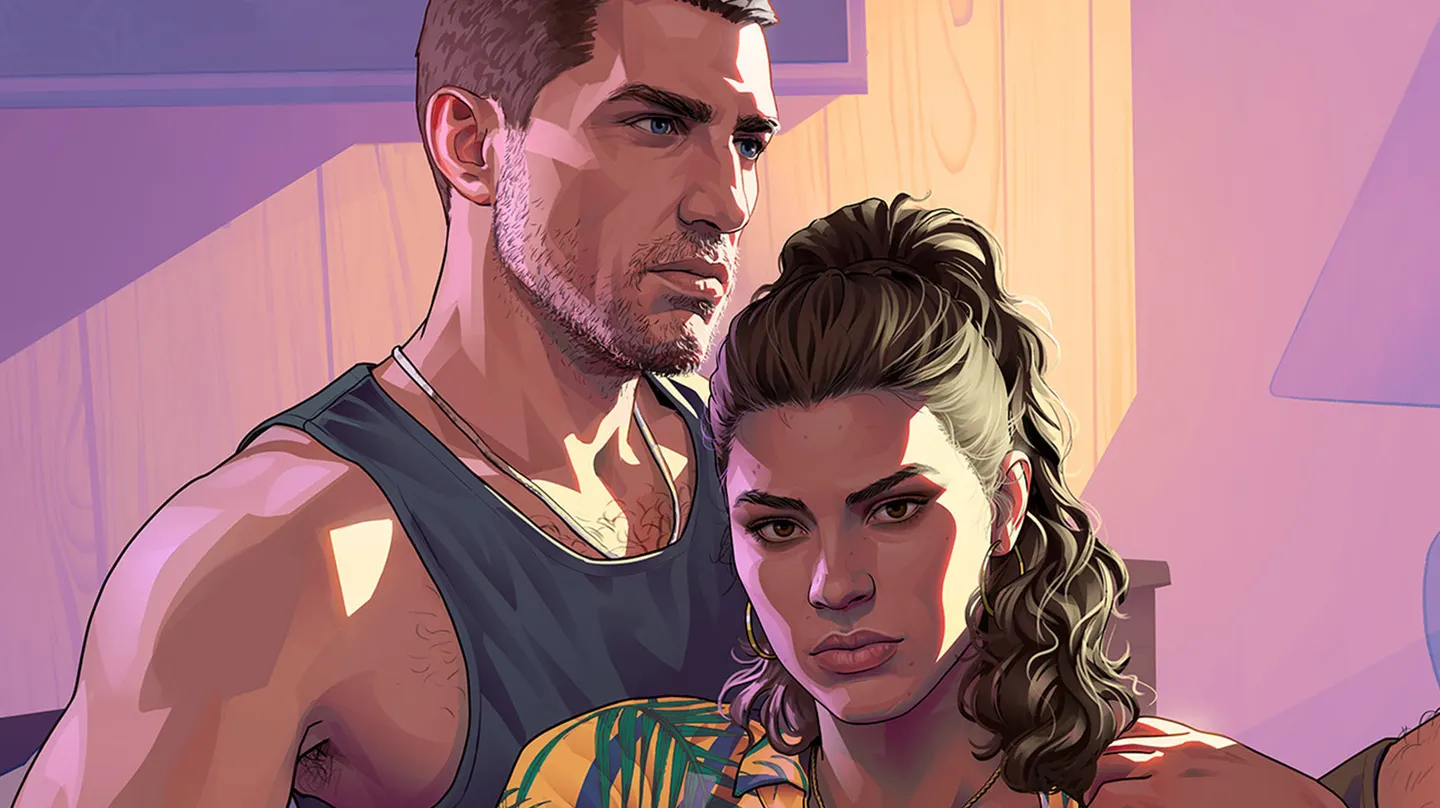
Rockstar Games confirmed that GTA 6 will “fully support” Remote Play on both PlayStation and Xbox consoles, according to reports.
Details #
- Rockstar reportedly attached no caveats, which suggests owners can stream from their console to phones, PCs, or (on PS5) a PlayStation Portal handheld.
- To stream GTA 6 from a PlayStation console to a smart device, you need the PS Remote Play app.
- Remote Play only streams the game from your own console, so it is not the same as cloud gaming.
- The Portal plays compatible games installed on your own PS5 over Wi-Fi, without needing a TV.
- You need a PS5 console and a PlayStation account to use the Portal.
- The PS5 must be connected to broadband internet, powered on fully or in Rest Mode, and paired with the Portal.
- The Portal requires broadband Wi-Fi of at least 5Mbps, and 15Mbps or more is recommended.
- Rockstar warned that connection speeds and other technical factors could negatively affect streaming.
- The Portal has an 8-inch 1080p screen and can deliver up to 60fps, but GTA 6 has a 30 frames per second limit confirmed by Rockstar.
- The Portal and PlayStation Remote Play do not require PlayStation Plus, though PS Plus is still needed for multiplayer in games that require it.
Cloud streaming is a separate matter #
- GTA 6 will be available through Xbox Cloud Gaming.
- Rockstar said it will only be available on Xbox Series X|S and Xbox One consoles, not on PCs or smart TVs.
- The cloud version uses Xbox Series S graphics settings .
- It was set to go live on Xbox Cloud Gaming at 1am ET on November 19, 2026.
- Cloud Gaming normally requires Game Pass, but Microsoft says players in supported markets can buy cloud playtime to stream supported games without it.
- GTA 6 will not be available through the PlayStation Plus Premium cloud streaming service at launch.
What it means for players #
On PlayStation, GTA 6 will not be available through the PlayStation Plus Premium cloud streaming service at launch, while Remote Play streams the game from your own console. Pre-loading is live on PS5 and Xbox, and the download size is 212GB.
The Portal is not limited to your home network. It can also be used on other broadband Wi-Fi networks, including public ones. Finish the initial Portal setup on your home Wi-Fi before connecting to public Wi-Fi.
Someone else can use the TV connected to your PS5 while you play on the Portal.
Images
Was this page helpful?
Sources
- GTA 6 Remote Play Explained: PlayStation And Xbox Support - SVG — SVG
- PlayStation Portal™ Remote Player | PS5 games in the palm of your hand — PlayStation
Facts on this page are checked against these sources. Updated: Nov 21, 2026.
Cite this page
Writing about GTA 6? Use this reference.
                  "Can You Play GTA 6 on Your Phone or PS Portal?." GTA6pedia, updated Nov 21, 2026.
                  https://gta6pedia.net/platforms/play-gta-6-phone-ps-portal/
                  <a href="https://gta6pedia.net/platforms/play-gta-6-phone-ps-portal/">Can You Play GTA 6 on Your Phone or PS Portal?</a>
                  (GTA6pedia)
Related guides

Does GTA 6 Have a 60 FPS Mode on PS5, PS5 Pro and Xbox?
GTA 6 has no native 60 fps mode on PS5, PS5 Pro or Xbox; it runs at 30 fps. See what Rockstar said and how a capture card can show 60 fps or more.

Does GTA 6 Have Crossplay? What Rockstar Has Confirmed
GTA 6 has no confirmed crossplay. It's a single-player game on PS5 and Xbox Series X|S, and Rockstar has not announced cross-platform multiplayer.

How Can You Play GTA 6? Platforms, PC and Setup
GTA 6 on PC for now means streaming from a PS5 with the free PS Remote Play app. Here are the setup steps, the controller you need and the 223GB file size.

GTA 6 60fps on Xbox Series X: Glitch Works, With a Catch
A Quick Resume glitch on Xbox Series X unlocks GTA 6's frame-rate past 30fps, but gameplay runs at double speed. Here's how it works and the catch.