
How Can You Play GTA 6? Platforms, PC and Setup
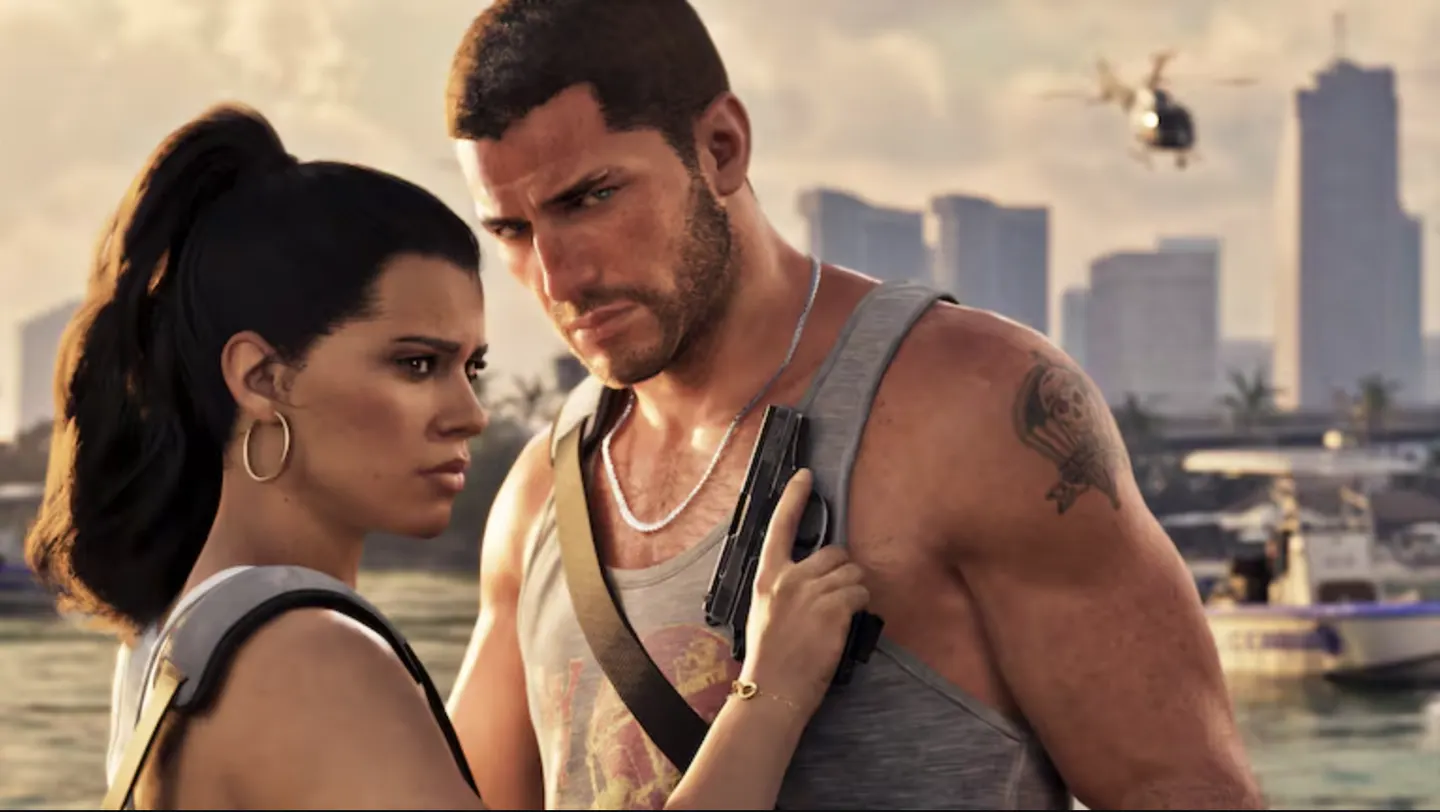
Quick answer: According to one report, the way to play GTA 6 on a PC for now is to stream it from a PlayStation 5 that has the game installed, using the free PS Remote Play app. The same report says this is not a true native PC version.
Key facts #
- According to one report, GTA 6 can be played on PC only by streaming from a PS5 with the free PlayStation Remote Play app for now.
- The game runs on the console and only sends video to your computer.
- The game file size is reported as 223GB.
- The physical version is code-in-box: the box contains only a download code and no disc.
- For Remote Play on PC, the report lists a Wi-Fi connection, a DualSense controller and a USB-C cable.
How do you play GTA 6 on PC? #
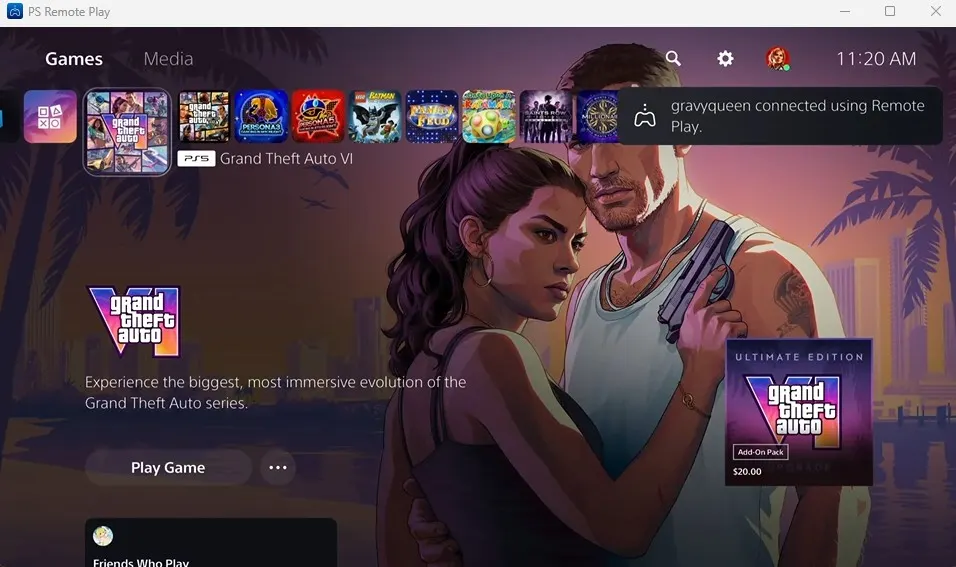
The report says streaming is not a true way to run GTA 6 natively on PC. It describes streaming from a PS5 with the free PlayStation Remote Play app as the only way to play on PC for now. Remote Play can stream PS5 games to almost any PC, laptop or smart TV.
Follow these steps:
- Make sure GTA 6 is installed on your PS5, because the game runs on the console.
- On the PS5, go to Settings > System > Remote Play and turn on Remote Play.
- Download the free PS Remote Play app on your PC and log in with your PlayStation account.
- Wait for the app to search for your PS5 and connect automatically.
- Launch GTA 6 and it streams to your PC.
What controller do you need? #
Use a DualSense. The PS Remote Play app does not support keyboard and mouse for most titles.
The report says a Bluetooth connection does not work well with the app, which needs a wired one. It also lists a USB-C cable among the things you need for Remote Play on PC.
How do you get the game? #
- Physical: The code-in-box version has only a download code and no disc. It is offered while supplies last.
- Upgrade: If you bought the standard game, you can upgrade to the Ultimate Edition on PlayStation Store at any time.
Plan for the download size , since the file is reported at 223GB.
Good to know #
- Each PS5 is assigned an ID number, shown after Remote Play setup, which identifies which console you are streaming from.
- Some features, content, services or functions may require an internet connection, a Rockstar Games account, a single-use serial code, or additional fees.
- The game supports English, French, Italian, German, Russian, Japanese, Polish, Korean, Simplified Chinese, Traditional Chinese, Spanish (Mexico), Spanish (Spain) and Portuguese (Brazil).
- Buying the game gives you a license to the digital product under the Terms of Service and Privacy Policy. Breaking the Terms of Service may lead to restricted or terminated access to the game or your online account.
Images
Was this page helpful?
Sources
- Grand Theft Auto VI | Rockstar Store — store.rockstargames.com
- How to play GTA VI on your PC today - with a free app - ZDNET — ZDNET
Facts on this page are checked against these sources. Updated: Nov 24, 2026.
Cite this page
Writing about GTA 6? Use this reference.
                  "How Can You Play GTA 6? Platforms, PC and Setup." GTA6pedia, updated Nov 24, 2026.
                  https://gta6pedia.net/platforms/gta-6-how-can-i-play/
                  <a href="https://gta6pedia.net/platforms/gta-6-how-can-i-play/">How Can You Play GTA 6? Platforms, PC and Setup</a>
                  (GTA6pedia)
Related guides

Does GTA 6 Have a 60 FPS Mode on PS5, PS5 Pro and Xbox?
GTA 6 has no native 60 fps mode on PS5, PS5 Pro or Xbox; it runs at 30 fps. See what Rockstar said and how a capture card can show 60 fps or more.

Does GTA 6 Have Crossplay? What Rockstar Has Confirmed
GTA 6 has no confirmed crossplay. It's a single-player game on PS5 and Xbox Series X|S, and Rockstar has not announced cross-platform multiplayer.

GTA 6 60fps on Xbox Series X: Glitch Works, With a Catch
A Quick Resume glitch on Xbox Series X unlocks GTA 6's frame-rate past 30fps, but gameplay runs at double speed. Here's how it works and the catch.

GTA 6 Cloud Gaming: How to Stream on Xbox
GTA 6 streams on Xbox Cloud Gaming on day one from 1am ET on November 19. Buy the game separately; it uses Xbox Series S graphics settings.