
GTA 6 Navigation Experience: Which Should You Pick?
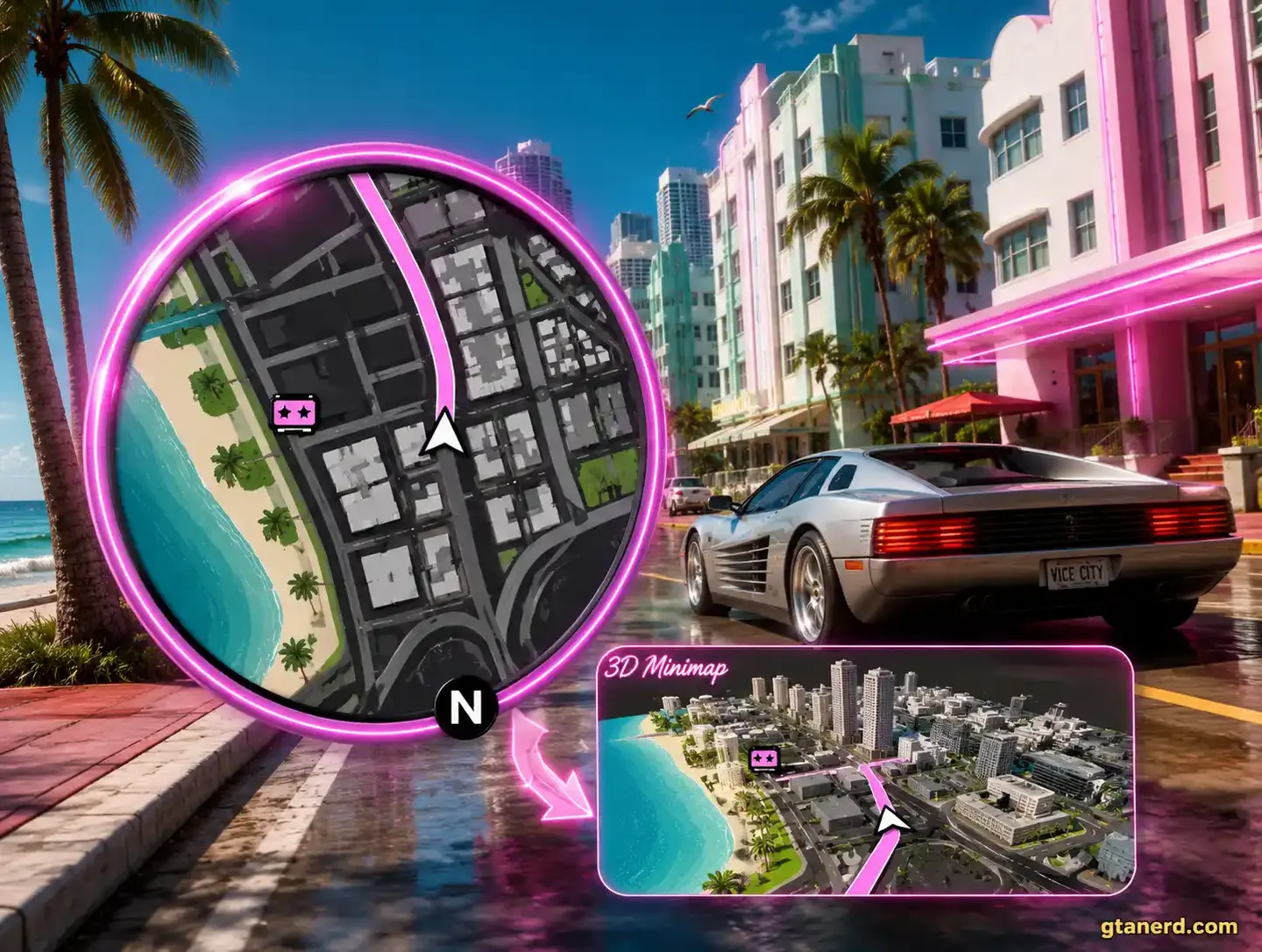
There is no confirmed choice between navigation setups in GTA 6 yet. Rockstar has not announced alternative minimap layouts or a classic GTA V-style radar option, according to reports. What we know so far comes from pre-release PS5 footage in the Extended Look, so details could change before launch.
Details #
Here is what the footage reportedly shows:
- While driving, the minimap becomes a wide, rounded rectangle.
- The route is a bright pink line with a destination marker and a distance readout.
- The distance readout is live, with one example falling from 1.62 miles to 0.80, and an arrow marks your position.
- Roads extend toward the upper part of the display, which gives more depth than GTA V’s flatter, fixed overhead radar.
- Some structures look like layered blocks instead of flat outlines.
- The 3D minimap view reportedly renders Vice City’s buildings as a real-time, satellite-style image as you drive past.
- The minimap sits in the bottom-left corner, the same spot as in earlier GTA games.
HUD and police behavior:
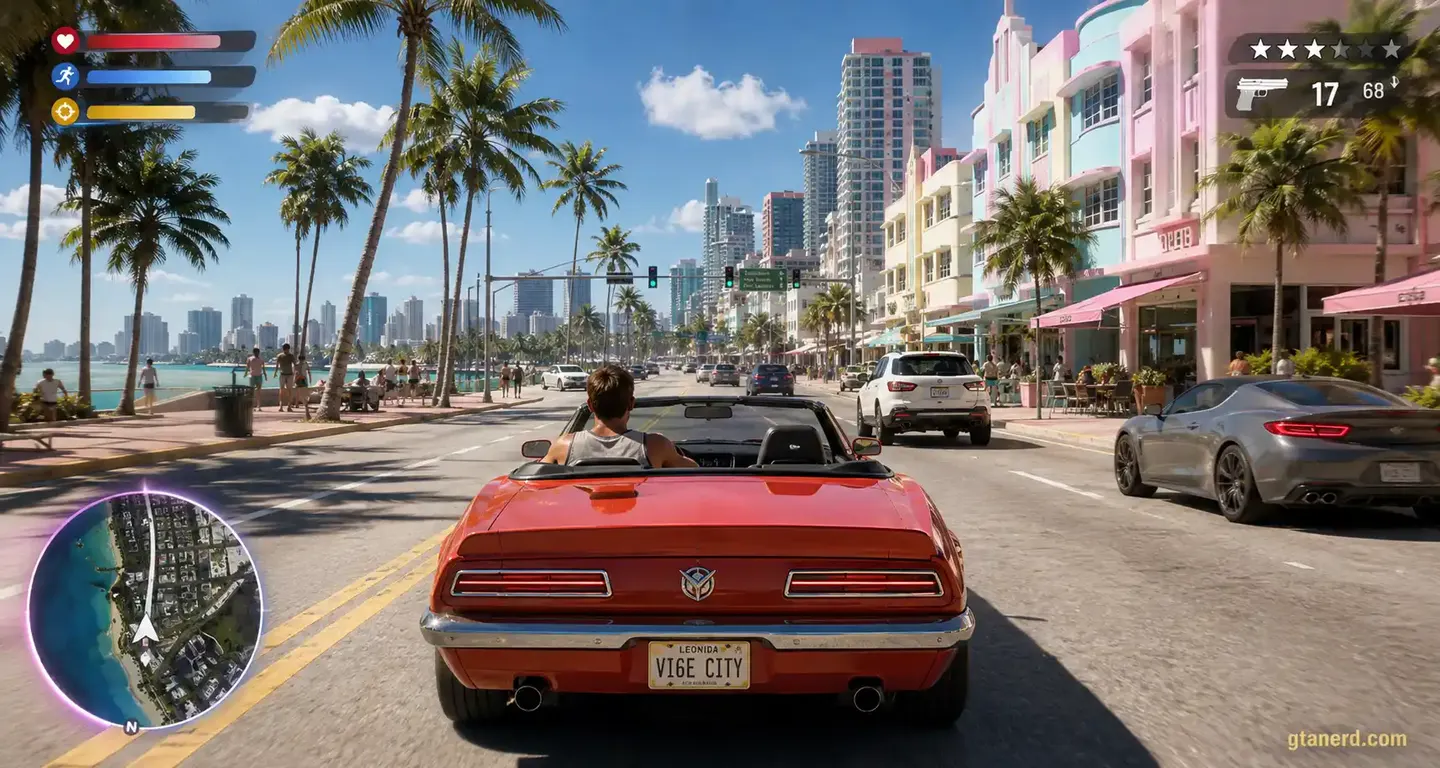
- By default, GTA 6 hides most of the HUD and keeps the screen mostly bare.
- An auto-hide option lets the minimap fade out, then return when you enter a vehicle or the action escalates.
- Tapping down on the D-pad brings back the full HUD, including cash, the vital bars and the minimap, which then fade away again.
- Hostile police officers generally do not appear on the minimap, unlike the police dots in GTA 5.
- During a manhunt, the minimap flashes and the area tints red-pink to show the police search zone.
- The Focus system is the main way to find individual officers once they are off the minimap.
Not confirmed yet:
- Zoom and orientation modes, because Rockstar has not published a full minimap settings menu.
- Colorblind presets, route-color selection and contrast controls.
- Estimated travel time, lane guidance and alternative routes.
- How the minimap behaves on foot.
- Whether the pause-menu map is a fully rotatable 3D model, or whether players can tilt it or navigate indoor floors through a 3D interface.
- Whether the minimap position can be moved. That idea comes only from leaked clips and is not officially confirmed.
- The full range of HUD customization options.
What it means for players #
There is nothing to pick between yet. An auto-hide option lets the minimap fade out when it is not needed.
There may also be a trade-off. GTA V’s radar is a compact overhead map that shows streets, icons, enemies and the route around the player. A view focused on the road ahead may show less of the area behind and beside your vehicle.
If you rely on a specific radar style or accessibility options , wait for Rockstar to show the settings menu before deciding how you want to play.
Images
Video
Was this page helpful?
Sources
- GTA 6's New Minimap Explained: Upgrade or Downgrade From GTA 5? | GTA VI Explained — gta6explained.com
- GTA 6 HUD and Minimap Explained | Every Bar and Icon — GTA nerd
Facts on this page are checked against these sources. Updated: Nov 19, 2026.
Cite this page
Writing about GTA 6? Use this reference.
                  "GTA 6 Navigation Experience: Which Should You Pick?." GTA6pedia, updated Nov 19, 2026.
                  https://gta6pedia.net/platforms/gta-6-navigation-experience-explained/
                  <a href="https://gta6pedia.net/platforms/gta-6-navigation-experience-explained/">GTA 6 Navigation Experience: Which Should You
                  Pick?</a> (GTA6pedia)
Related guides

Does GTA 6 Have a 60 FPS Mode on PS5, PS5 Pro and Xbox?
GTA 6 has no native 60 fps mode on PS5, PS5 Pro or Xbox; it runs at 30 fps. See what Rockstar said and how a capture card can show 60 fps or more.

Does GTA 6 Have Crossplay? What Rockstar Has Confirmed
GTA 6 has no confirmed crossplay. It's a single-player game on PS5 and Xbox Series X|S, and Rockstar has not announced cross-platform multiplayer.

How Can You Play GTA 6? Platforms, PC and Setup
GTA 6 on PC for now means streaming from a PS5 with the free PS Remote Play app. Here are the setup steps, the controller you need and the 223GB file size.

GTA 6 60fps on Xbox Series X: Glitch Works, With a Catch
A Quick Resume glitch on Xbox Series X unlocks GTA 6's frame-rate past 30fps, but gameplay runs at double speed. Here's how it works and the catch.