
GTA 6 Auto Drive and Cinematic Camera: How to Use Them
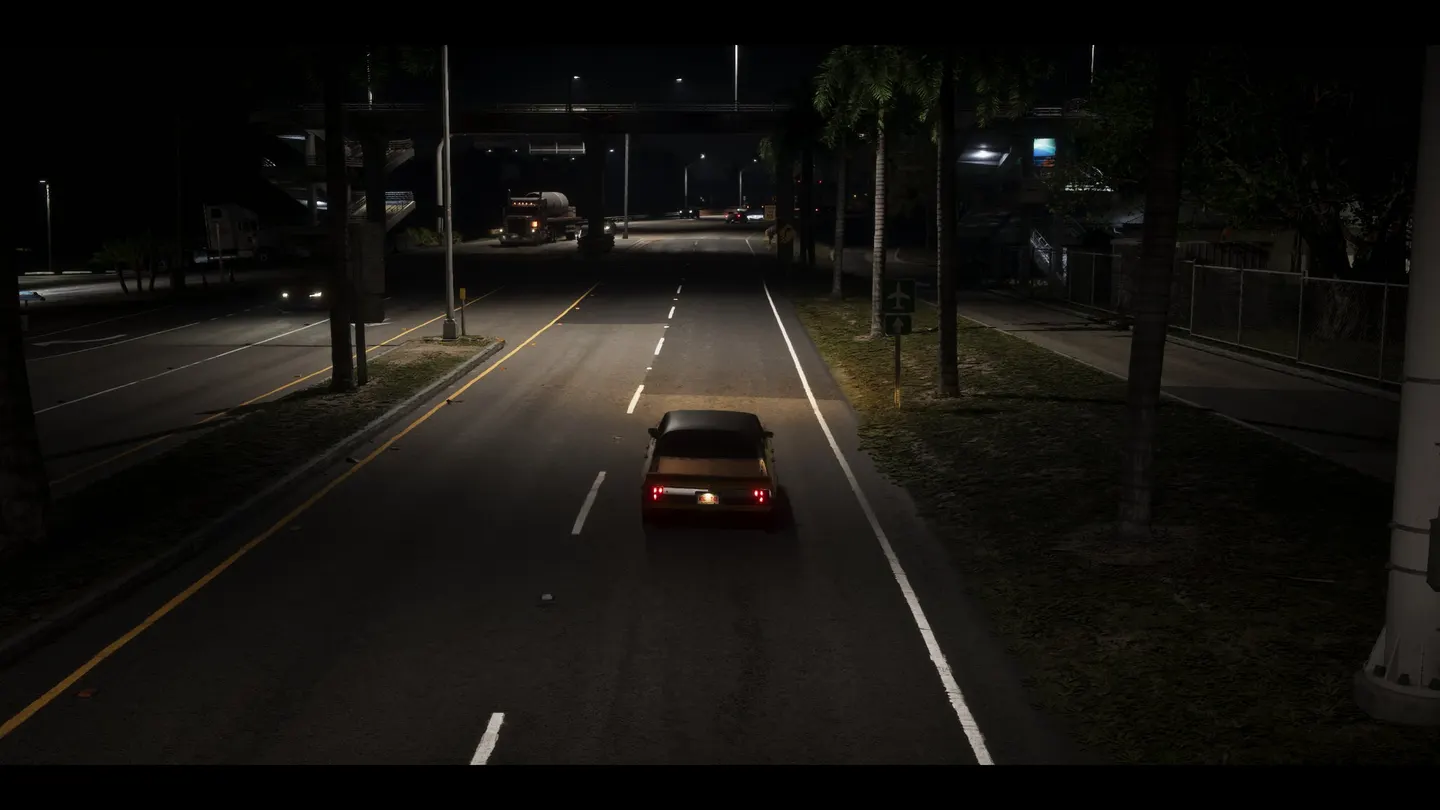
In short: GTA 6 has an auto drive feature that can handle driving for you. Turning it on puts the game in cinematic mode. It is useful for sightseeing in Leonida or avoiding traffic.
Key facts #
- Auto drive can handle the driving for the player, which is useful for sightseeing in Leonida or avoiding traffic.
- The game does not actively tell players that auto drive exists. It is tucked away in a menu that players have little reason to use early on.
- Auto drive is enabled from the start, but only in scenarios the game considers safe.
- To use it at any time, go to the Gameplay tab, scroll to the Accessibility section and set “auto drive” to “unrestricted”.
- Auto drive also works for flying and sailing, not only driving.
Details #
How to switch it on. After opening the camera menu, press the pause button to enter cinematic mode. Then hold Circle on PlayStation 5 or B on Xbox to enable auto drive. To turn it off, hold down on the D-pad again.
In a car, you can also start the Cinematic Camera by pressing down on the D-Pad and then pressing Start.
Destinations. Auto drive does not require a destination, but if one is set, it will take the player there. If a destination is already set on the map or through the quick navigation menu, the Cinematic Camera makes the active protagonist drive there automatically.
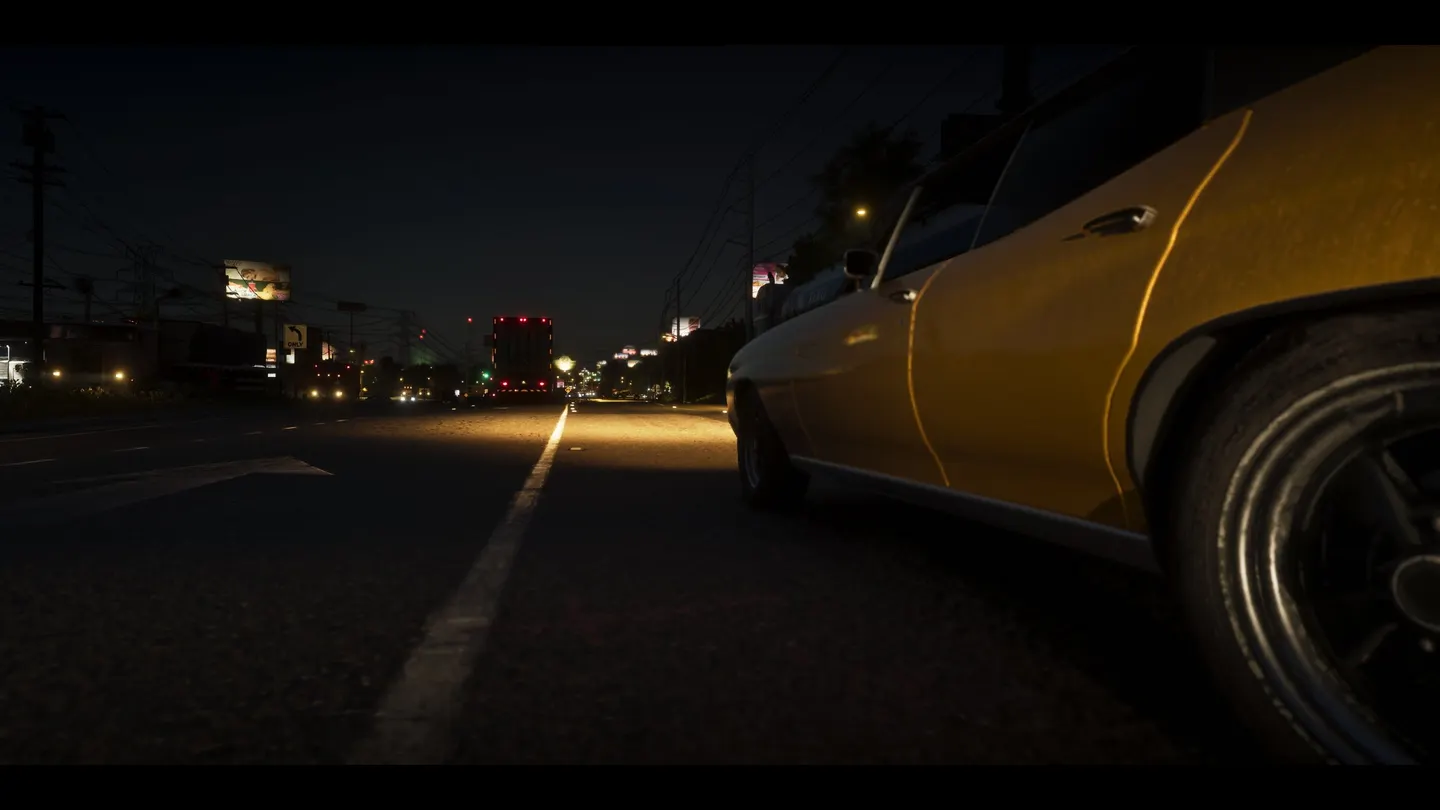
Cinematic mode. Enabling auto drive takes camera control away from the player. You can still enter photo mode from the pause menu to rotate the camera for a shot, and you still control the radio.
Radio and conversations. The in-game radio includes The Chamber 106.6, which features metal tracks presented by Slayer’s Kerry King and Tom Araya. Tracks heard during auto drive in one report included Slayer’s Symphony of Destruction and Tool’s Sober.
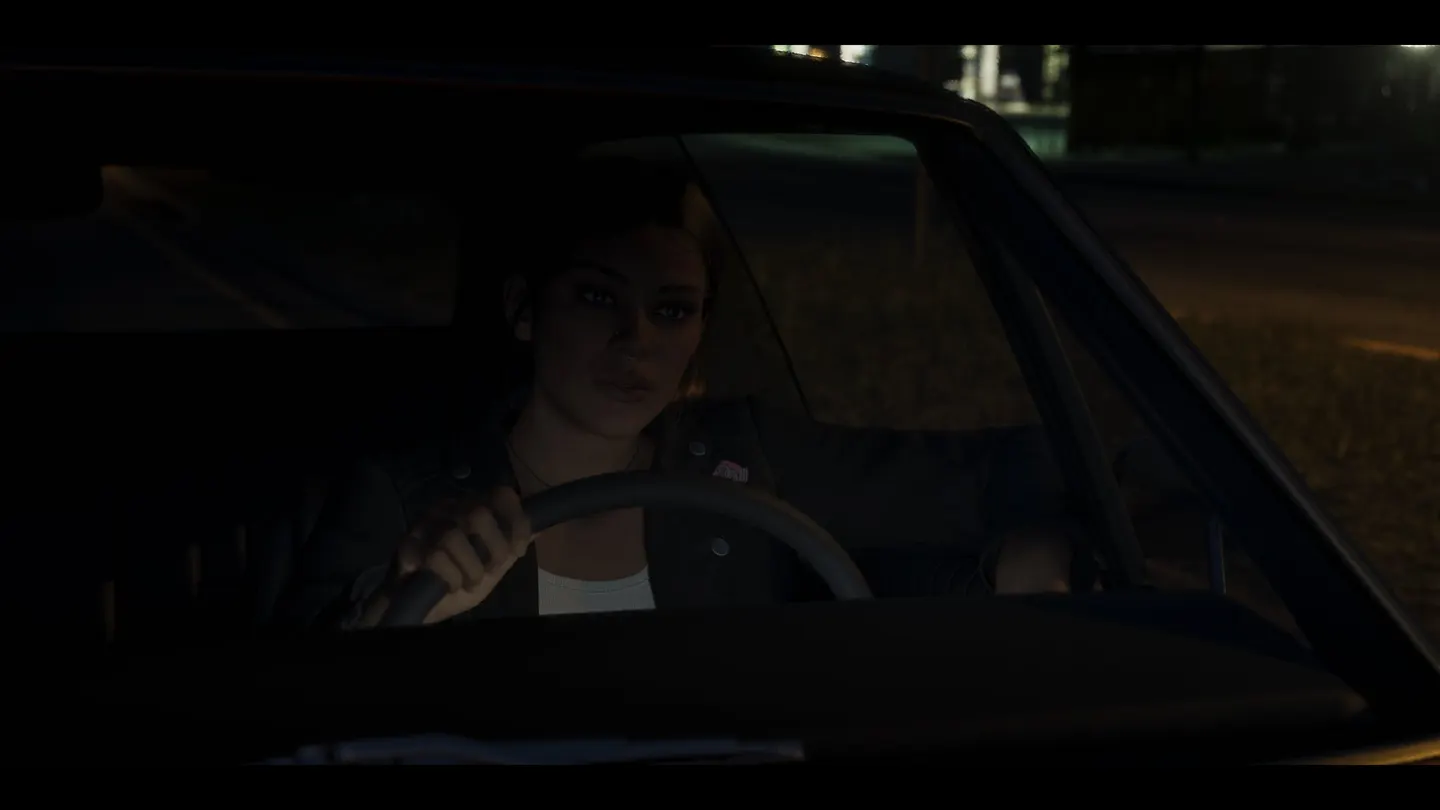
When the player drives manually, chaotic traffic and pedestrians in Leonida can interrupt or cut off Jason and Lucia’s in-car conversations.
Trip length. One auto-drive trip from Pelican River to Bayside in Vice City reportedly took roughly 15 minutes of real time.
Bars. The Cinematic Camera can also be used at a bar to watch Jason and Lucia hang out together.
Limits and risks. Auto drive avoids accidents, road rage, killing pedestrians and crashed planes that manual driving might cause. It does not fix damage or problems that started before it was enabled. It can get you out of tight spots like bad parking, but it may damage the surroundings and the car.
What it means for players #
With auto drive set to unrestricted, it can be used in unsafe scenarios such as chase or escape missions.
Images
Video
Was this page helpful?
Sources
- If you're not using Auto Drive and Cinematic Camera in GTA 6, you're missing out on some of the best experiences in the game (and a cheeky, free 'fast travel' alternative, too) — Eurogamer.net
- How to use auto drive in GTA 6 — Polygon.com
Facts on this page are checked against these sources. Updated: Nov 28, 2026.
Cite this page
Writing about GTA 6? Use this reference.
                  "GTA 6 Auto Drive and Cinematic Camera: How to Use Them." GTA6pedia, updated Nov 28, 2026.
                  https://gta6pedia.net/guides/gta-6-auto-drive-cinematic-camera/
                  <a href="https://gta6pedia.net/guides/gta-6-auto-drive-cinematic-camera/">GTA 6 Auto Drive and Cinematic Camera: How to Use
                  Them</a> (GTA6pedia)
Related guides

Best GTA 6 Outfits and Where to Find Them
Where to find GTA 6 outfits, hairstyles, make-up and nails for Jason and Lucia, from Clip & Fade to Ferruccio Tucci, plus prices and tips.

How to Unlock Hurricanes in GTA 6
Hurricanes in GTA 6 unlock by finishing Freddie's side missions, ending with Retest Freddie's Defenses in North Leonard County. Here is how to do it.

All Peewees Billboard Locations in GTA 6
GTA 6 has four Peewees billboards in Vice-Dale, Mariana, Lummox and Leonard County. See where to scan each one and how to claim the Belville reward.

GTA 6 vaults: how to open them in big bank jobs
In GTA 6 open-world bank jobs, only an armored car driver can open the vault. Follow the truck to a big bank, wait for him to open it, then start the robbery.