
How to Manage Money in GTA 6 and Use the BuckMe App
According to reports, GTA 6 splits its money system into three areas: Pocket Cash, BuckMe Checking Account and BuckMe Family Savings . BuckMe is an online banking app used to manage and save money.
Details #
Pocket Cash
- Pocket Cash is physical cash, often earned through burglaries and robberies .
- Jason and Lucia can each carry up to $20,000 in pocket cash.
- All Pocket Cash is lost if the player is Wasted or Busted.
- Vendors only accept pocket cash for items up to $999.
BuckMe Checking Account
- Access is unlocked during Chapter 1 as part of the main story.
- Purchases above $1000, and services that only work with digital currency, require the checking account.
- Jason and Lucia each have their own individual checking account.
- In free-roam, pressing Up on the D-Pad pulls out the phone so you can open BuckMe, view transactions and make payments.
- Balance limits increase over time as the story progresses.
- Upgraded accounts offer special perks and lower fees.
- The app sends an in-game notification in Chapters 2, 3 and 4 when the relevant mission is done and an upgrade is available.
- When the account hits its limit, incoming payments are held until money is spent or moved to Family Savings .
BuckMe Family Savings
- Family Savings unlocks in Chapter 1, and its limit upgrades in Chapters 2, 3 and 4.
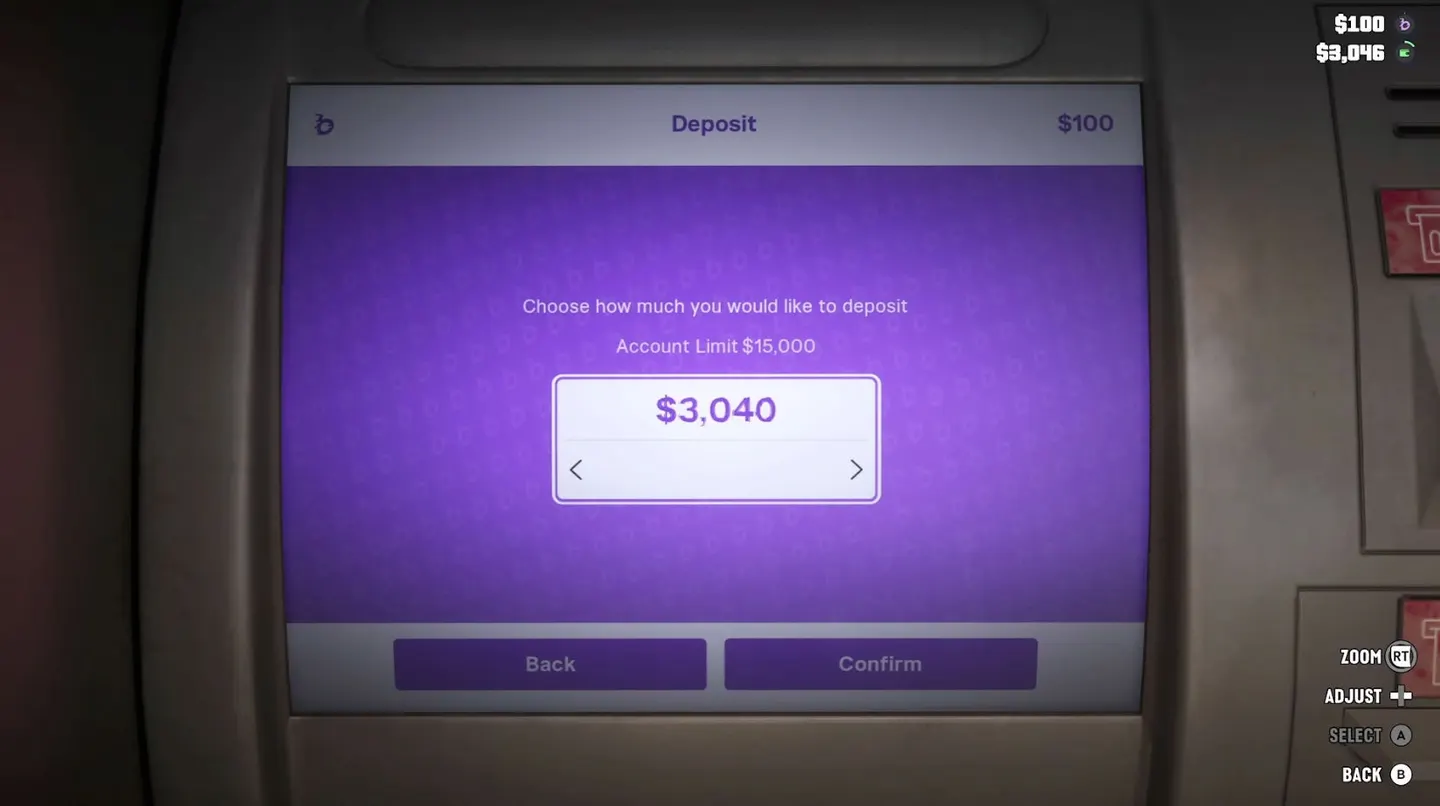
- Choosing Checking Account and then “Buck Yourself” moves $100 into Family Savings.
- Money put into Family Savings can never be withdrawn; it is permanently locked but cannot be lost.
- Reaching each savings goal unlocks perks that reduce prices on various purchases.
- Each savings level raises the checking account limit.
- The savings goals are optional for story progression and span the entire story.
ATMs
- Cash can be deposited at any ATM, and money can also be withdrawn from checking.
- The app’s “ATM Finder – Set Destination” option guides you to an ATM.
Setting up BuckMe
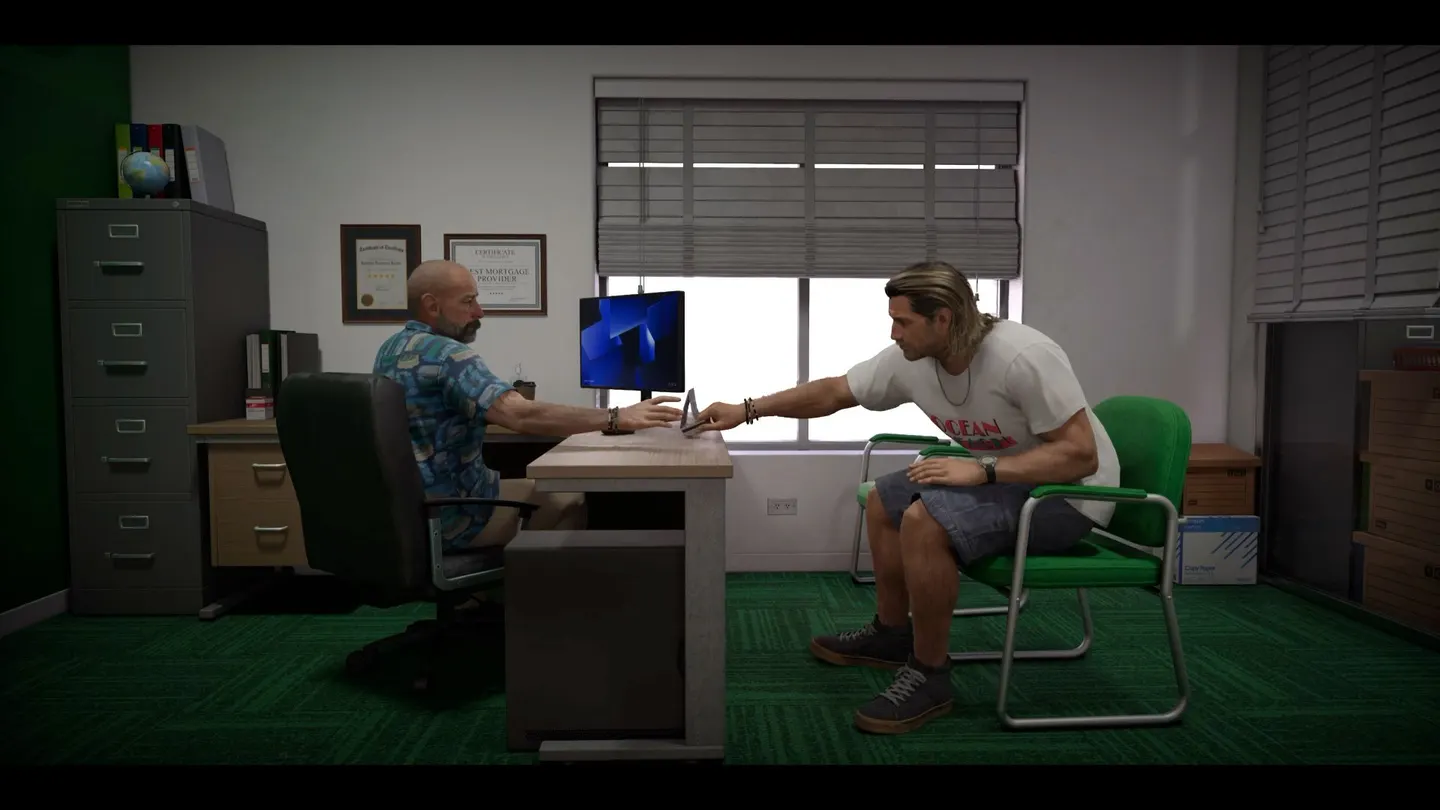
- Buck Me (Set Up Bank Account) is the 13th main mission in GTA 6.
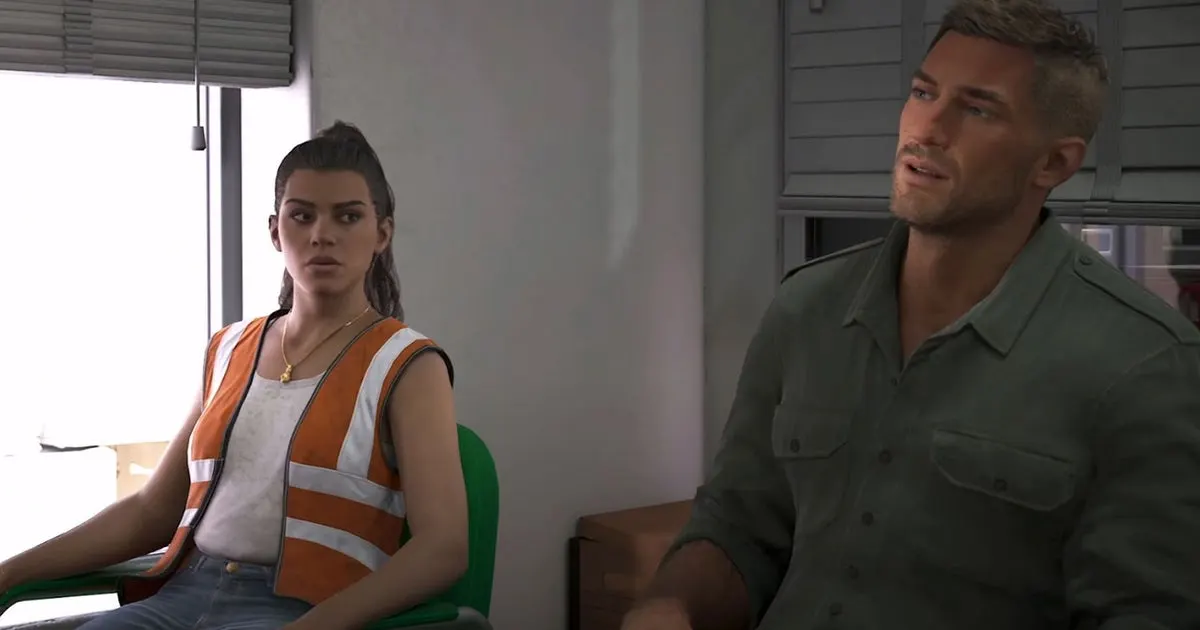
- Lucia calls the player to meet at a bank, because neither Jason nor Lucia has an account and she needs one for her community service payments.
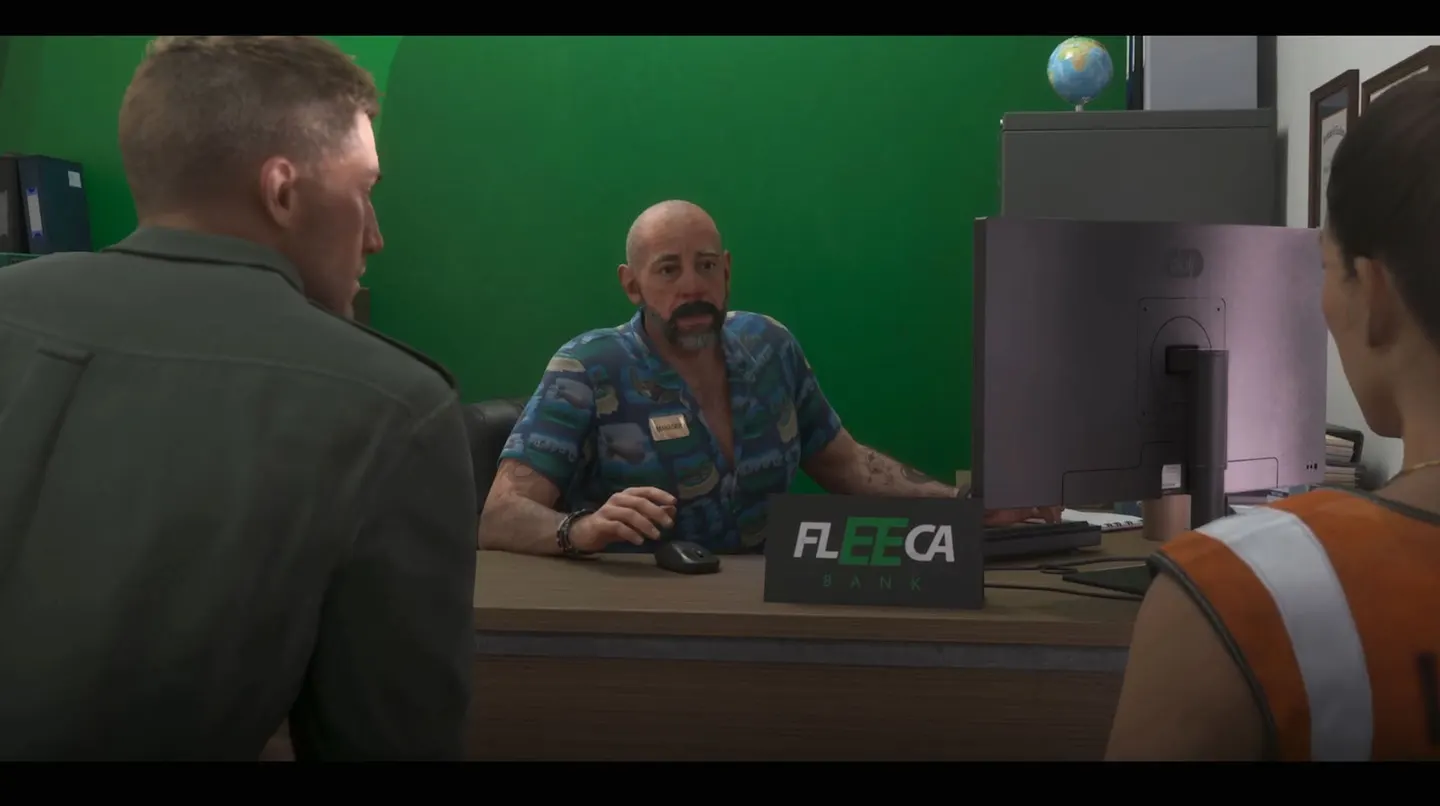
- The mission starts at the Fleeca bank branch in Key Lento.
- The bank manager checks the player’s credit, which is too poor to open an account, so he offers the fintech app BuckMe instead.
- After the cutscene, $100 is deposited into the checking account as a welcome gift.
- The BuckMe app is shown as a purple “B” icon.
- After setup, two basic mini missions unlock: use the ATM Finder to deposit cash, and save $5000 into the family savings account.
- Cal then texts the player four new package locations for Donnie.
What it means for players #
Carrying lots of pocket cash is risky, because it is all lost if you are Wasted or Busted. BuckMe is described as a safer place to keep cash than the stash in the bedroom.
Think before you move money into Family Savings. Once $5000 is transferred to the family savings account, it cannot be withdrawn.
Images
Was this page helpful?
Sources
- How to manage money in GTA 6 and use BuckMe bank — GamesRadar+
- GTA 6 Buck Me (Set Up Bank Account) Walkthrough — PowerPyx
- GTA 6 Get A Bank Account walkthrough — Eurogamer.net
Facts on this page are checked against these sources. Updated: Nov 19, 2026.
Cite this page
Writing about GTA 6? Use this reference.
                  "How to Manage Money in GTA 6 and Use the BuckMe App." GTA6pedia, updated Nov 19, 2026.
                  https://gta6pedia.net/money/gta-6-money-buckme-savings-app/
                  <a href="https://gta6pedia.net/money/gta-6-money-buckme-savings-app/">How to Manage Money in GTA 6 and Use the BuckMe
                  App</a> (GTA6pedia)
Related guides

Should You Sell to Donnie or Brian in GTA 6?
Donnie pays more than Brian for narcotics in GTA 6. See how each fence works, what they pay, and how payments from Brian and Donnie can be delayed.

GTA 6 Safehouses: How They Work and Unlock
GTA 6 safehouses can't be bought and unlock as the story progresses. Garages are the only properties you can buy.

GTA 6 Infinite Money Glitch Already Found by Players
Players report GTA 6 money methods: a red barn stash run, an Apollo Aggregates warehouse haul and reopening robbed stores with fresh loot.

GTA 6 Money Clip: Clipping Campaigns and Payouts
A GTA 6 money clip isn't confirmed, but clipping campaigns paid $0.70 to $1.50 per 1,000 views as of Nov 17, 2026. See payouts, caps and risks.